Food · reference rebuild
Strawberry Perler Bead Pattern
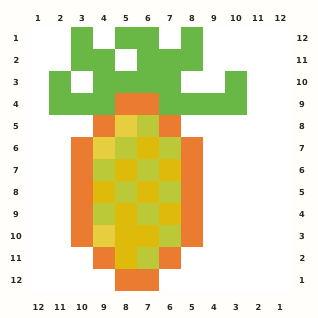
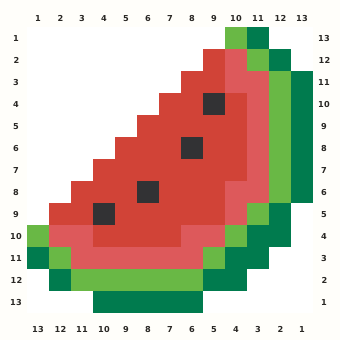
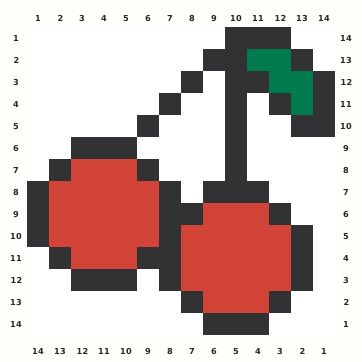
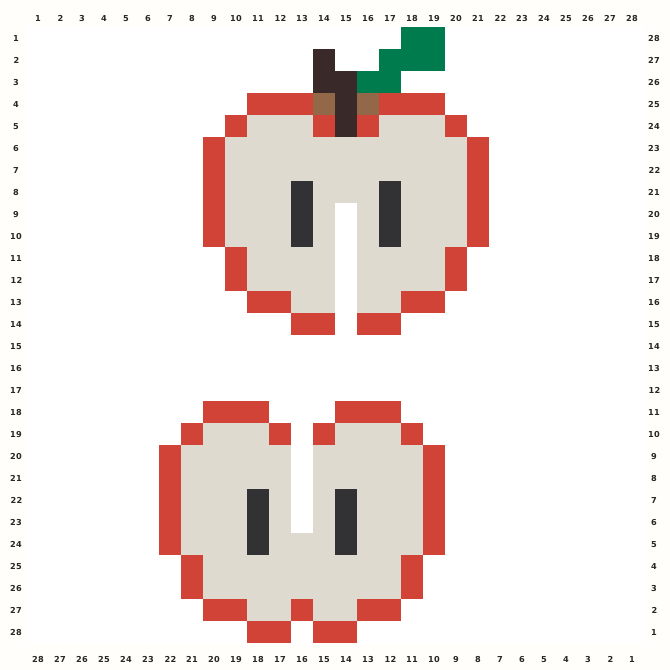
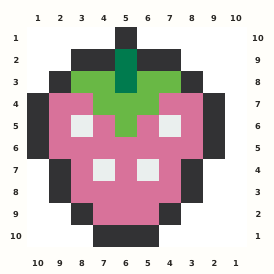
A tiny strawberry centers a hot-pink fruit beneath a green crown, with dark edging and four pale seed beads.
Edit this pattern online and export a PNG or print-ready PDF for free.
Perler palette · codes hidden · closest screen-color matches
Beige cells are empty pegs; white cells are beads. Brand codes use the closest CIE76 screen-color match from this source palette. Check important shades against physical beads before building.
Perler bead material list
Exact per-color counts for the 10×10 grid, so you can sort cups before you start. Switch the brand above to remap codes, colors and totals on this page.
- Black
P1822 beads - Dark Green
P102 beads - Kiwi Lime
P618 beads - Bubblegum
P0626 beads - White
P014 beads
Making notes
The tiny fruit depends on its offset crown and four pale seed beads. Build the green top and dark outline before the pink field, then retain the single right padding column and the uneven lower points.
This page is for makers who want a tiny strawberry Perler bead pattern that reads clearly as a single fruit rather than a scene. The normalized 10×10 chart keeps the pink body, green crown, dark outline and pale seed marks easy to edit and export.
Place the three green crown steps first, then trace the dark outline down both sides. Fill the pink fruit from the upper shoulders toward the rounded base, add the pale seed marks, and finish the two dark lower points after the center remains aligned. The crown is offset one column from the fruit's widest rows, and the pale marks are occupied beads rather than holes. Preserve the single blank column on the right added to square the source, keep the two dark green stem cells connected, and do not mirror the seed layout.
Pattern layout and bead count
The berry occupies 9 columns and all 10 rows of a 10×10 guide. Column 10 is blank padding, not a missing edge bead. Keep that right-hand margin when editing or printing; the 62-bead chart fits one standard 29×29 square Midi board. Checkpoints: Rows 1–3: keep the centered dark stem and the two green crown shoulders separated from the blank right padding column. Rows 4–6: verify the widest pink fruit rows, dark side outline and four pale seed beads as material. Rows 7–9: retain the stepped lower fruit and the asymmetric pale marks instead of regularizing them. Row 10: confirm the three-cell black base and the final blank column before exporting the square chart.
Ways to customize this pattern
Use coral, raspberry or a white fruit with a contrasting green crown for seasonal variations. Preserve the dark outline and pale seed positions; adding leaves or text belongs on an external backing, not inside the 10×10 matrix.
Hot Pink Fruit uses 26 beads, Black Outline 22, Green Crown eight, Deep Green Stem two and White Seeds four. Keep the seed role visibly lighter than the empty grid, and preserve the saturated fruit-to-green contrast across Brand substitutions.
Print and iron checklist
The top crown and bottom outline contain isolated one-cell corners around a broad pink field. Fuse the crown tips and dark lower points with brief passes, then heat the fruit evenly and cool flat so the ten-cell side contour stays round. Before export, verify the 10×10 coordinates, 62-bead total and the selected brand’s merged color counts against the on-page material list.
Project ideas for Strawberry
At 10×10, Strawberry is suited to a quick keychain, lunchbox magnet, recipe-card accent, summer garland or beginner practice tile. Use adhesive behind the central fruit mass and keep the tiny crown and bottom points free from drilled holes.
The source grid uses S and the other design symbols only as internal color roles. The interactive chart replaces them with the selected manufacturer codes, while its material list combines any roles that map to the same bead color.