food · reference rebuild
Perler Bead Sushi Pattern
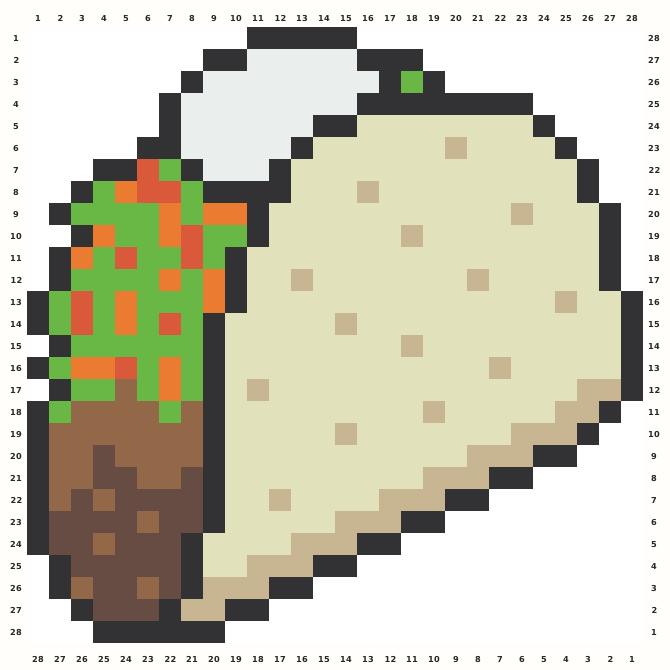
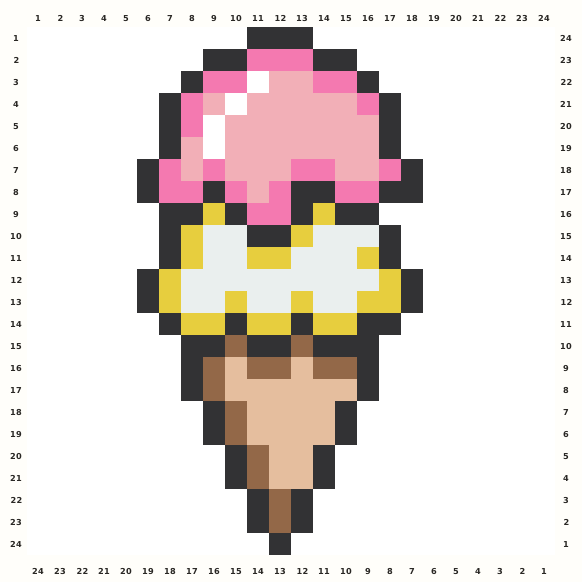
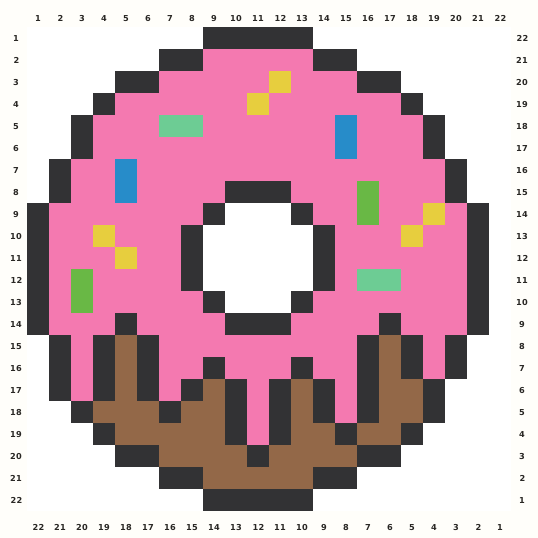
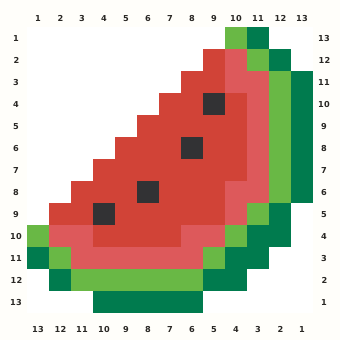
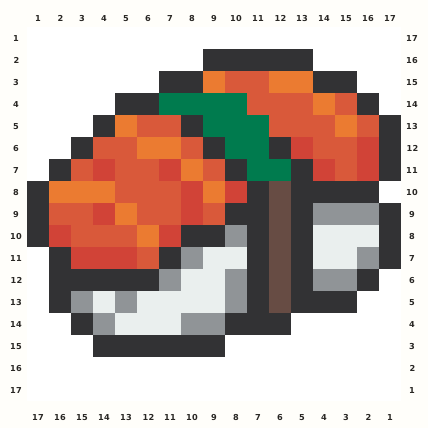
A compact sushi piece layers white and shadowed rice, nori, several salmon tones, wasabi green and small soy-brown accents without merging the topping into a generic stripe.
Edit this pattern online and export a PNG or print-ready PDF for free.
Perler palette · codes hidden · closest screen-color matches
Beige cells are empty pegs; white cells are beads. Brand codes use the closest CIE76 screen-color match from this source palette. Check important shades against physical beads before building.
Perler bead material list
Exact per-color counts for the 17×17 grid, so you can sort cups before you start. Switch the brand above to remap codes, colors and totals on this page.
- Black
P1868 beads - Orange
P0415 beads - Spice
P21234 beads - Dark Green
P1011 beads - Tomato
P21115 beads - Brown
P126 beads - Grey
P1716 beads - White
P0117 beads
Making notes
Sort all eight roles before placing the adjacent salmon and rice shades. Preserve row 1 and rows 16–17 as padding, then recount the full-width middle row.
The sushi chart is useful for practicing closely neighboring shades in stacked food layers. Sort rice, nori and salmon before adding the small wasabi and soy-colored accents. Do not flatten the topping into one stripe: its separate tones help distinguish the fish from the shadowed rice below.
Outline the nori base, stack rice cells above it, then place salmon bands in their photographed sequence. Finish the condiment and shadow accents after the rectangular structure is square. Use row 9, the fullest row at 17 occupied positions, as a horizontal recount anchor. Eight roles cross only fourteen active rows, so adjacent salmon and rice shades can be confused. Preserve the one top and two bottom padding rows and audit the full-width middle row. Occupied bounds run from row 2 to row 15 and column 1 to column 17.
Pattern layout and bead count
The occupied motif measures 17×14 and is normalized to 17×17 with 1 top, 2 bottom. No occupied cell is cropped, scaled, mirrored or moved. The 182-bead chart fits one standard 29×29 square pegboard. This framing protects the nigiri topping geometry. Checkpoints: First occupied row 2: F C9–C13. Confirm the nigiri topping entry point. Fullest row 9 contains 17 occupied cells; compare its complete left-to-right sequence before fusing. Use it as the nigiri topping span audit. Rarest role Soy Brown occurs 6 times at R8C12, R9C12, R10C12, R11C12, R12C12, R13C12. Recheck this role beside the nigiri topping landmark. Padding audit: 1 top, 2 bottom; active bounds are R2–R15 and C1–C17. The nigiri topping boundary must remain inside those limits.
Ways to customize this pattern
For an alternate edition, recolor Nori Outline, Salmon Orange, Salmon Midtone, Wasabi Green, Salmon Red, Soy Brown, Rice Shadow, Rice White as separate value roles while leaving every occupied coordinate and 17×17 normalization unchanged. Keep the silhouette-specific landmarks and rare accents distinct at thumbnail size.
Sort the source roles as 68 Nori Outline, 15 Salmon Orange, 34 Salmon Midtone, 11 Wasabi Green, 15 Salmon Red, 6 Soy Brown, 16 Rice Shadow, 17 Rice White. Keep Soy Brown distinct even though it contributes only 6 cells; Brand remapping should preserve the same light-to-dark hierarchy and never merge an occupied role with background.
Print and iron checklist
Straight bands can warp if one side receives more heat. Iron alternating left and right sections, keep the rice edge crisp, and flatten the finished rectangle immediately. Inspect narrow joints from the reverse before mounting or exporting a replacement chart. Before export, verify the 17×17 coordinates, 182-bead total and the selected brand’s merged color counts against the on-page material list.
Project ideas for Salmon Sushi
The food icon works for a restaurant seating marker, bento planner, cuisine vocabulary tile or refrigerator magnet. A rectangular card back supports all topping corners. Keep labels, dates and explanatory text on a separate backing so the approved silhouette stays unchanged.
The source grid uses F and the other design symbols only as internal color roles. The interactive chart replaces them with the selected manufacturer codes, while its material list combines any roles that map to the same bead color.